Orbit Dock Pro
Your apps, files and folders, right at your cursor.
Orbit Dock opens right where you are working. Bring it up with a shortcut or a screen edge, launch any item with one click, and switch between profiles for every workflow.
WHAT I MAKE
Your apps, files and folders, right at your cursor.
Orbit Dock opens right where you are working. Bring it up with a shortcut or a screen edge, launch any item with one click, and switch between profiles for every workflow.
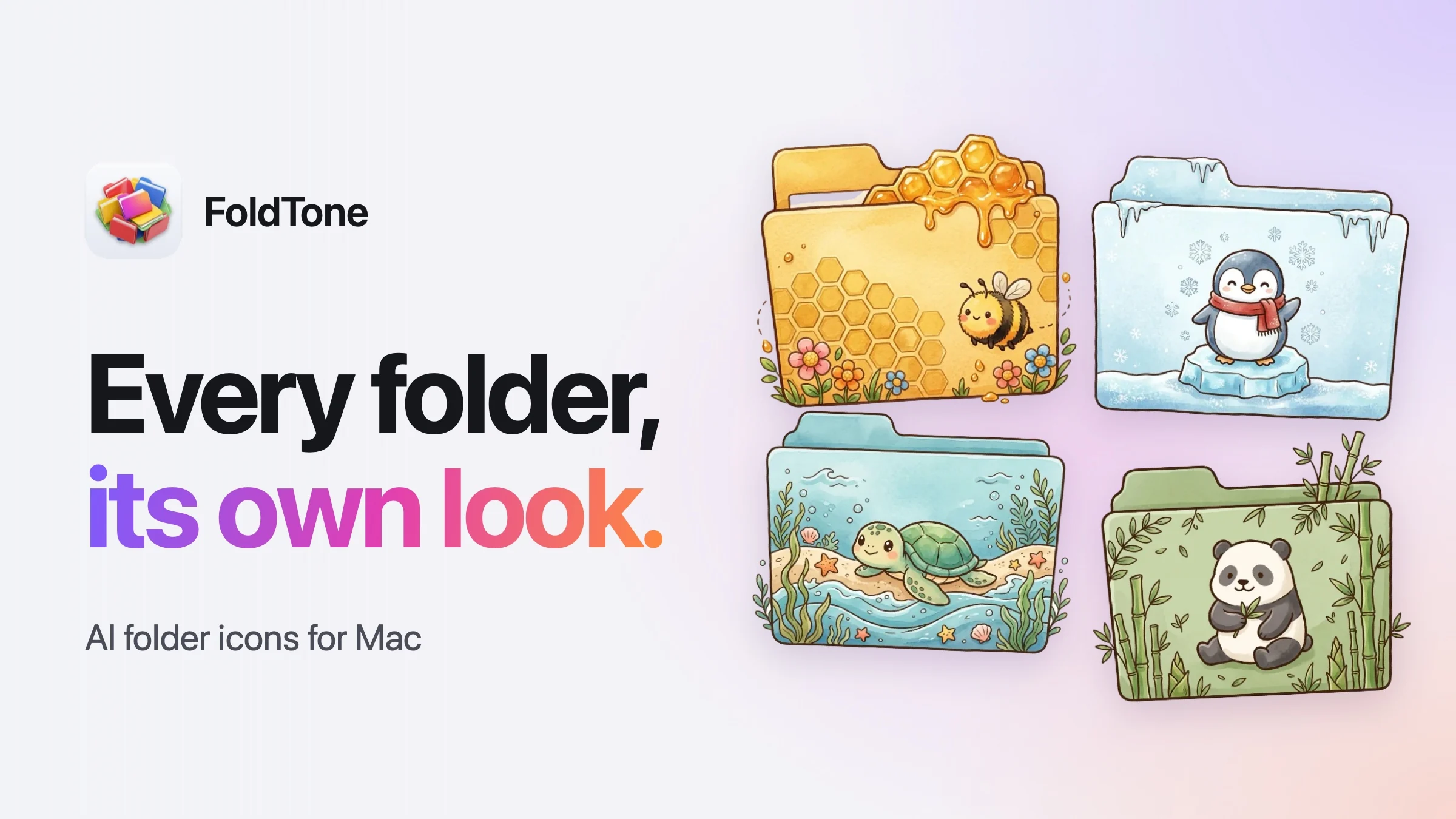
Folder icons you describe, color or design yourself.
Write a short idea and FoldTone draws a whole new folder icon for it. Or give a folder a new color, a badge or a storage bar, and design your own in a layer editor. Everything goes straight to Finder.
HOW I BUILD
One idea per app, carried out properly. Nothing extra to learn and nothing extra running on your Mac.
No accounts, no tracking, no analytics. Your settings stay on your Mac and never leave it.
Working independently means moving at my own pace, so the details get the time they deserve.
A NOTE FROM OKAN
I believe the best Mac apps feel inevitable. Like they should have been there all along.
That is what I am working toward at doguapps. Small, thoughtful tools, made with a lot of care. Every interaction, every shortcut, every little detail is a chance to make your day feel better.
I am independent. I build the apps I want to use, and I keep listening to the people who use them.
 OkanDOGUAPPS · INDEPENDENTLY CRAFTED
doguapps is the one-person studio of Okan, an independent developer. Every app is designed, built and supported by the same person, which is why the details get the time they need.
Small, focused tools for Mac and iOS. Each one does a single thing well and stays out of the way the rest of the time.
No. There are no analytics, no telemetry, and no account to create. Your settings stay on your Mac and nothing is sent anywhere.
Only to download an app from the App Store. After that everything runs locally and works offline.
One-time purchases on the App Store. No subscriptions and no in-app purchases.
Write to me from the contact page. Messages come straight to me and get a real answer.